
Thank You For Attending NAR NXT!
Save the date! Join us for NAR NXT 2024, happening November 8-10, 2024, in Boston, MA. Details will be posted as they become available.
Join us in Boston November 8-10 for
NAR NXT, The REALTOR® Experience
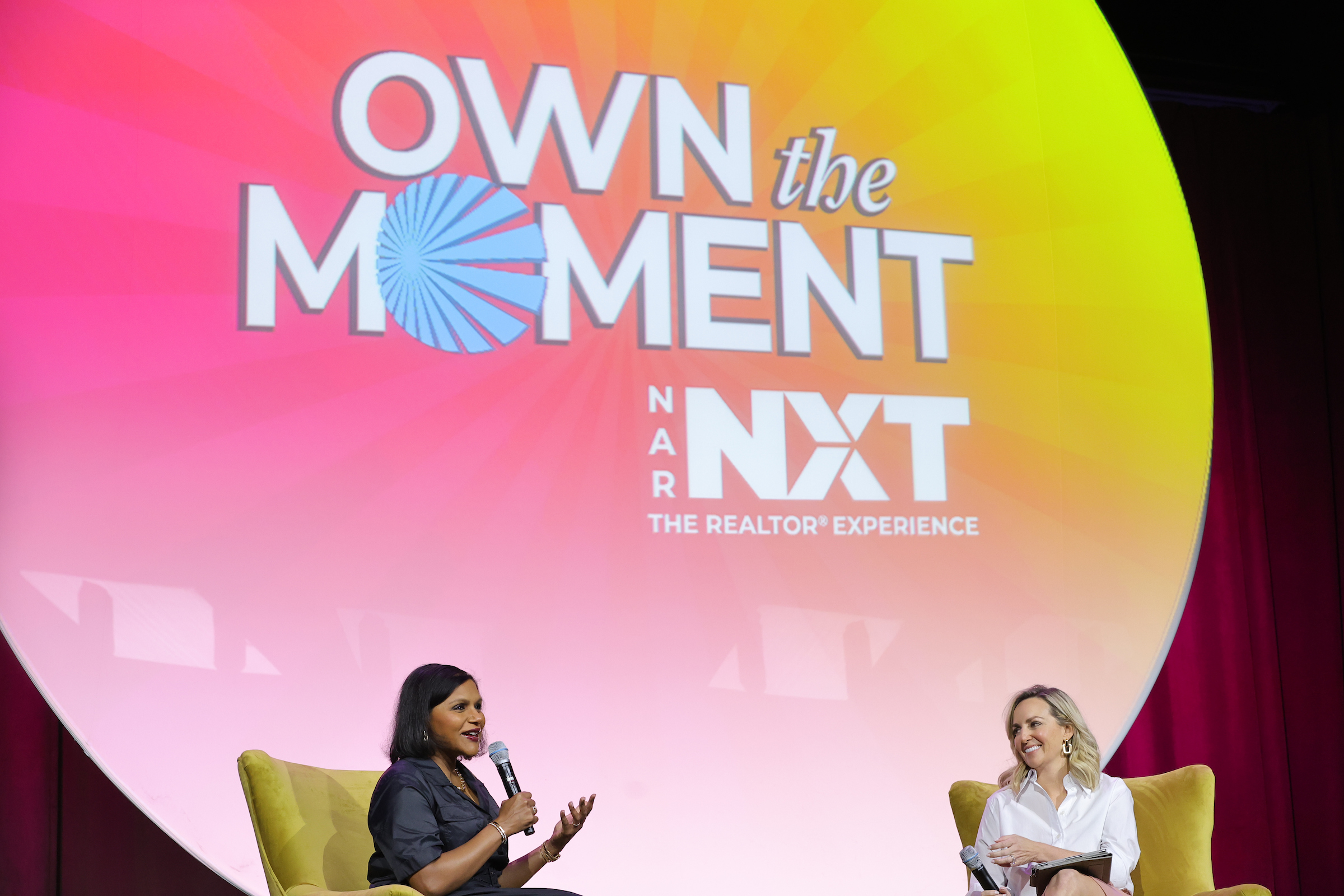
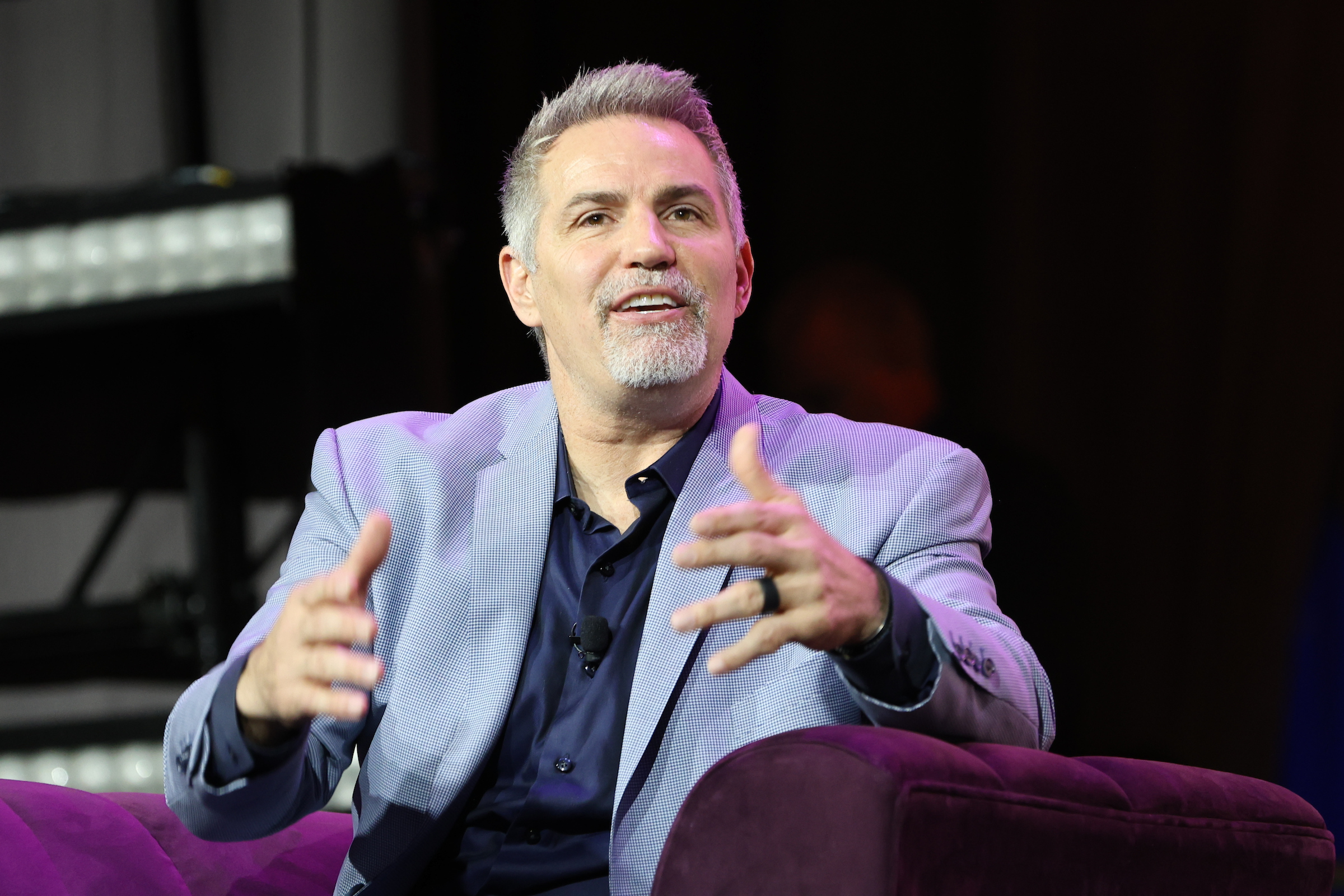
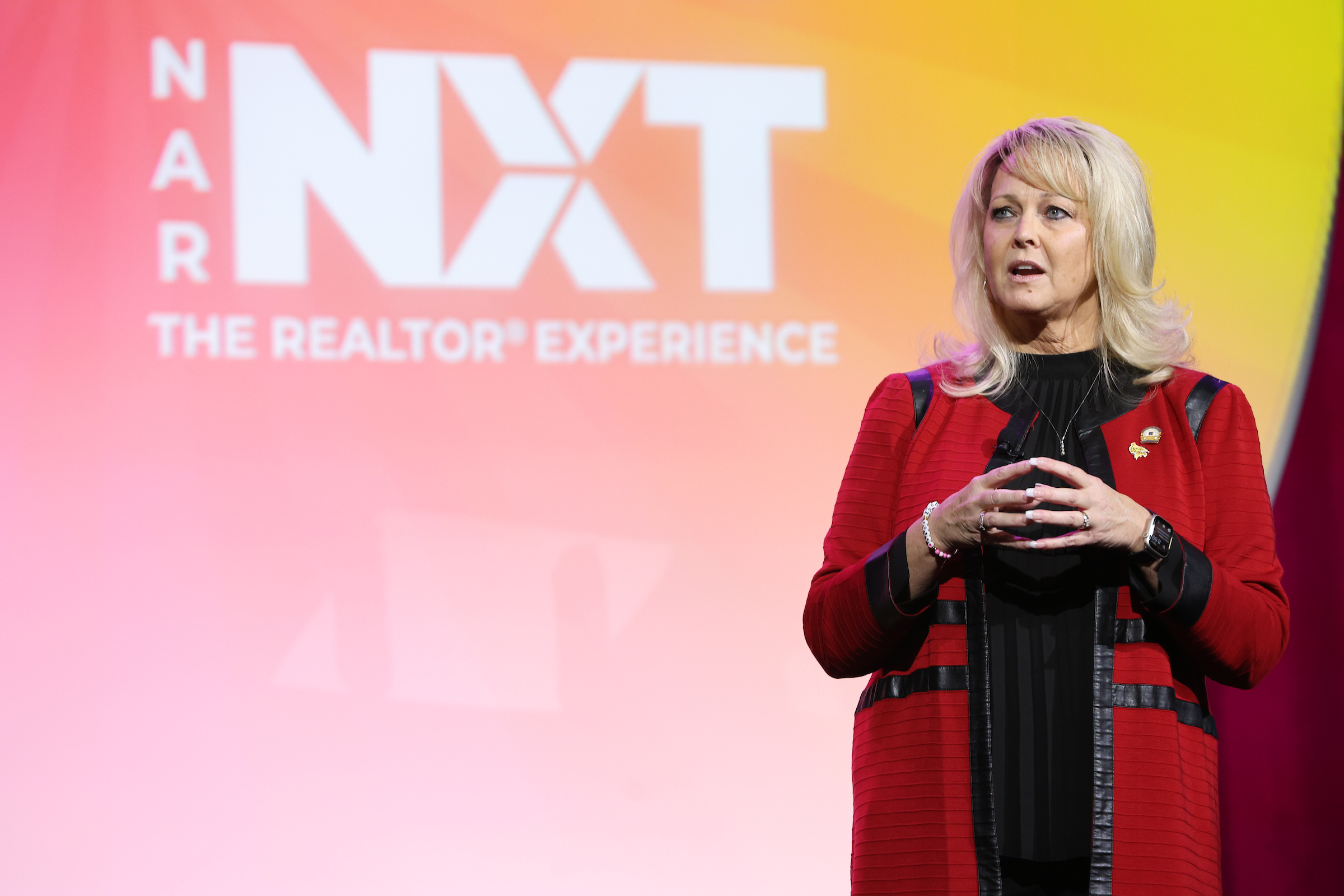
NAR NXT combines the power of industry-leading speakers, expert education, and networking opportunities with 15,000+ attendees in Boston, MA for the year’s premier real estate conference.
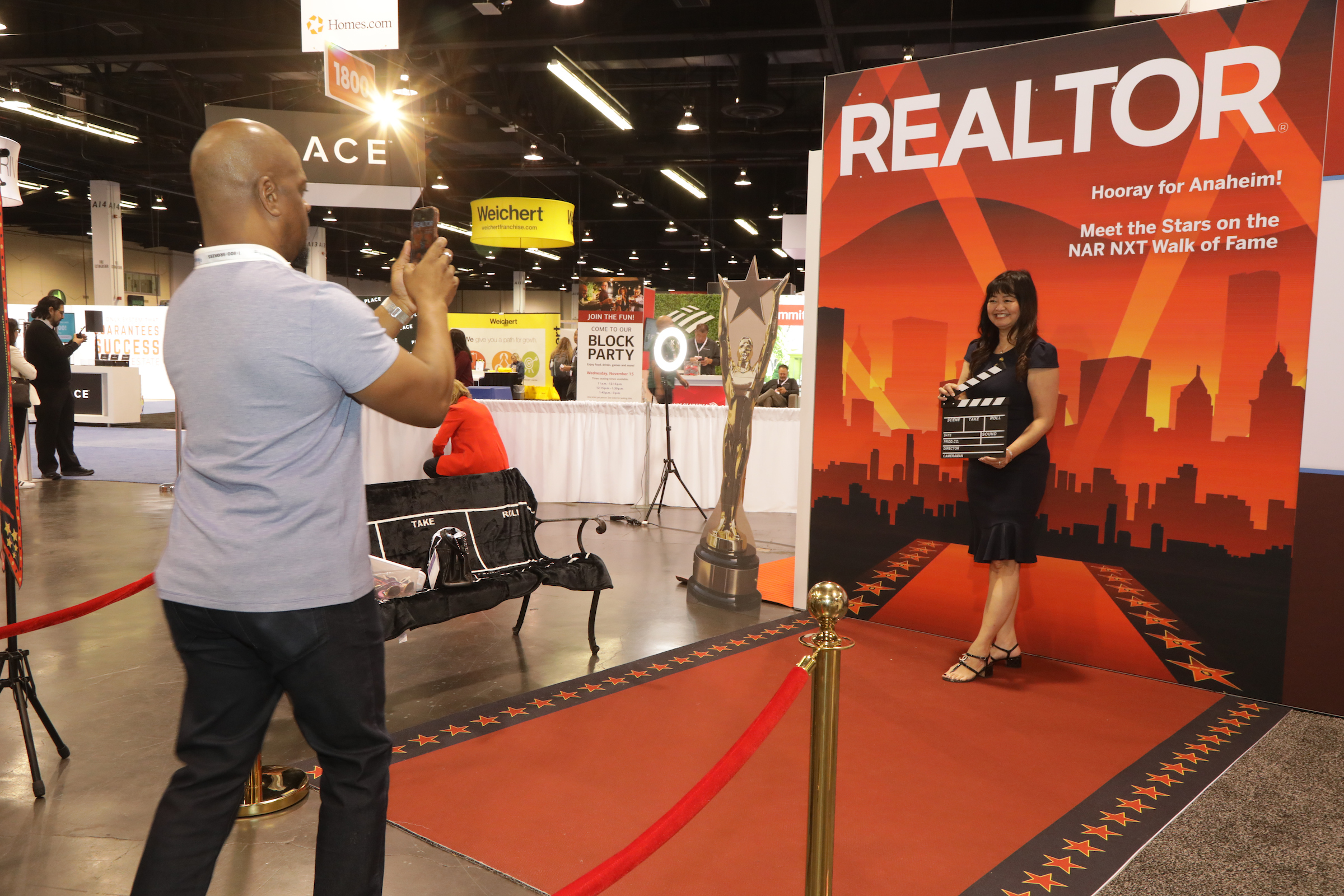
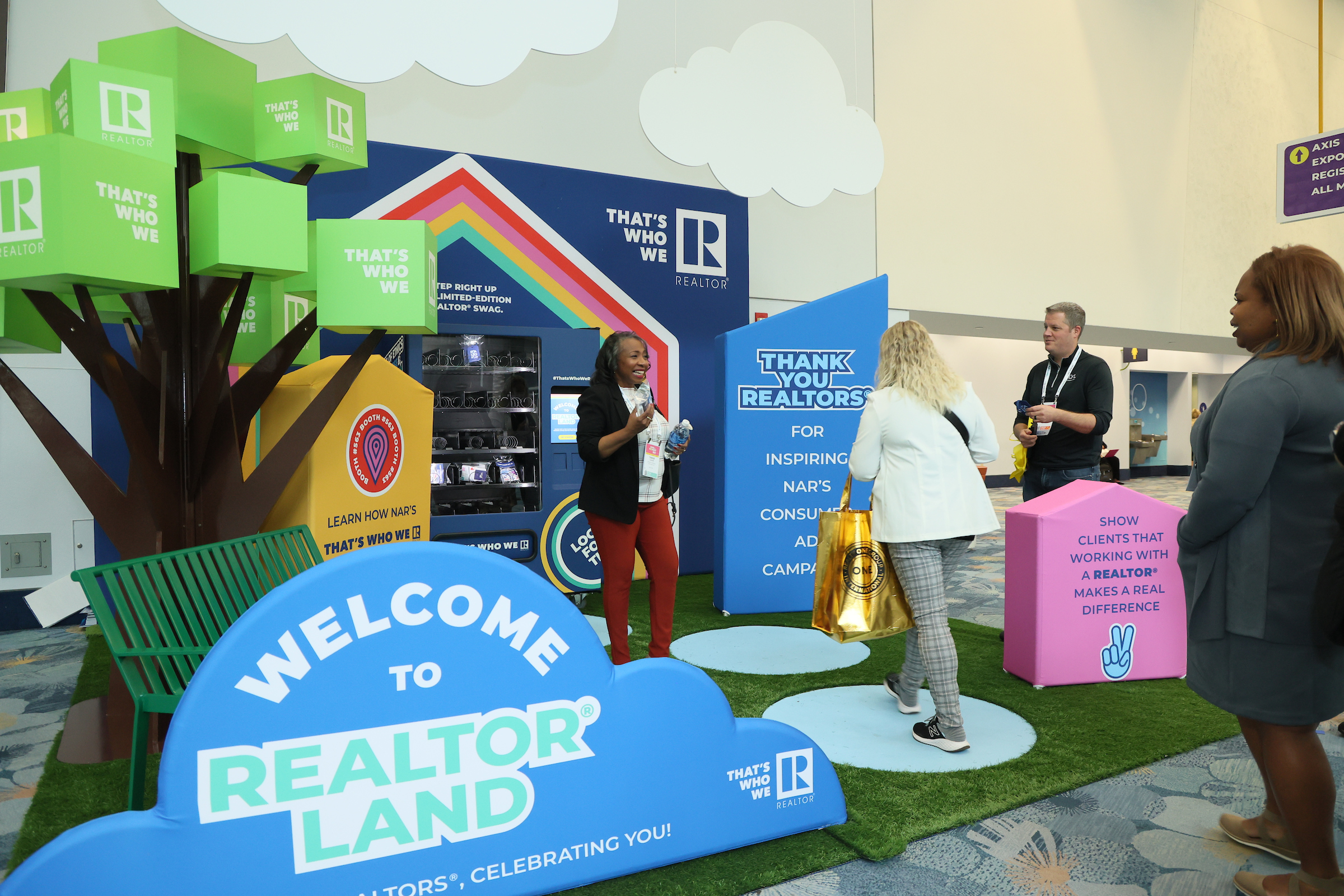
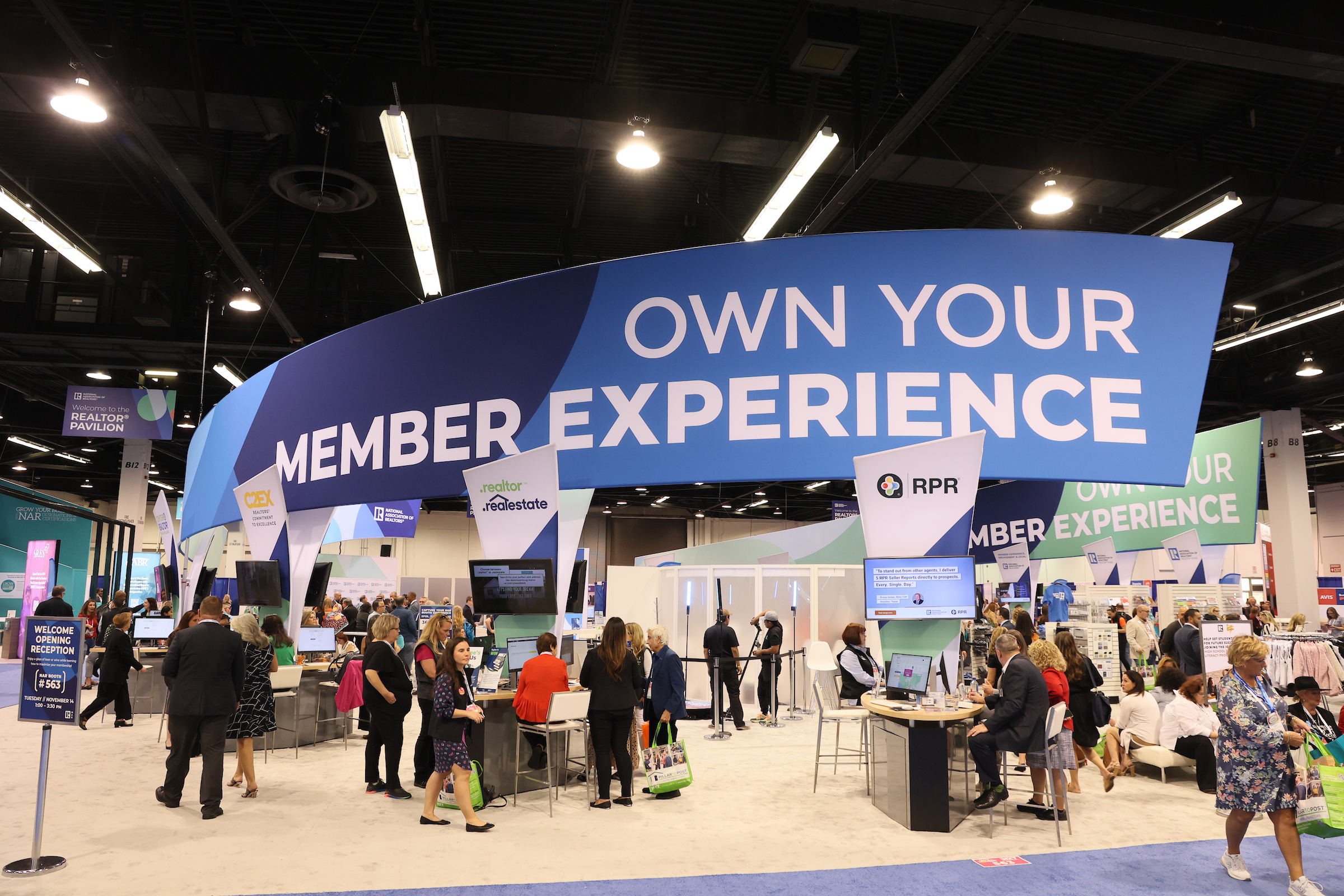
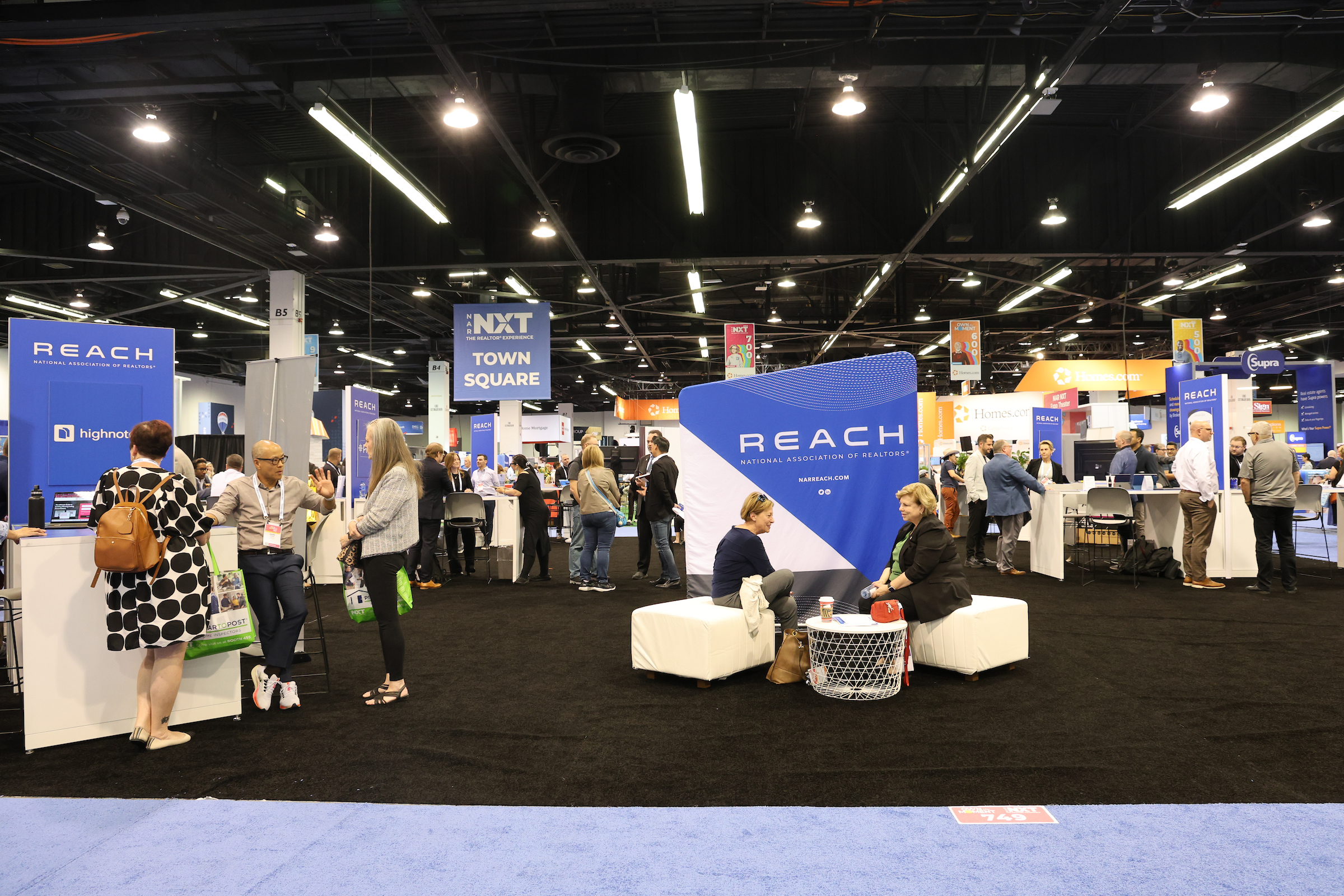
Attendees including real estate agents, brokers, real estate technology companies, and more exchange ideas and experiment with cutting-edge innovation at the industry’s largest real estate expo. You determine what’s NXT, and now’s the time to take center stage, harness your exponential potential and step into the spotlight!
NAR governance meetings will be held November 6-11.

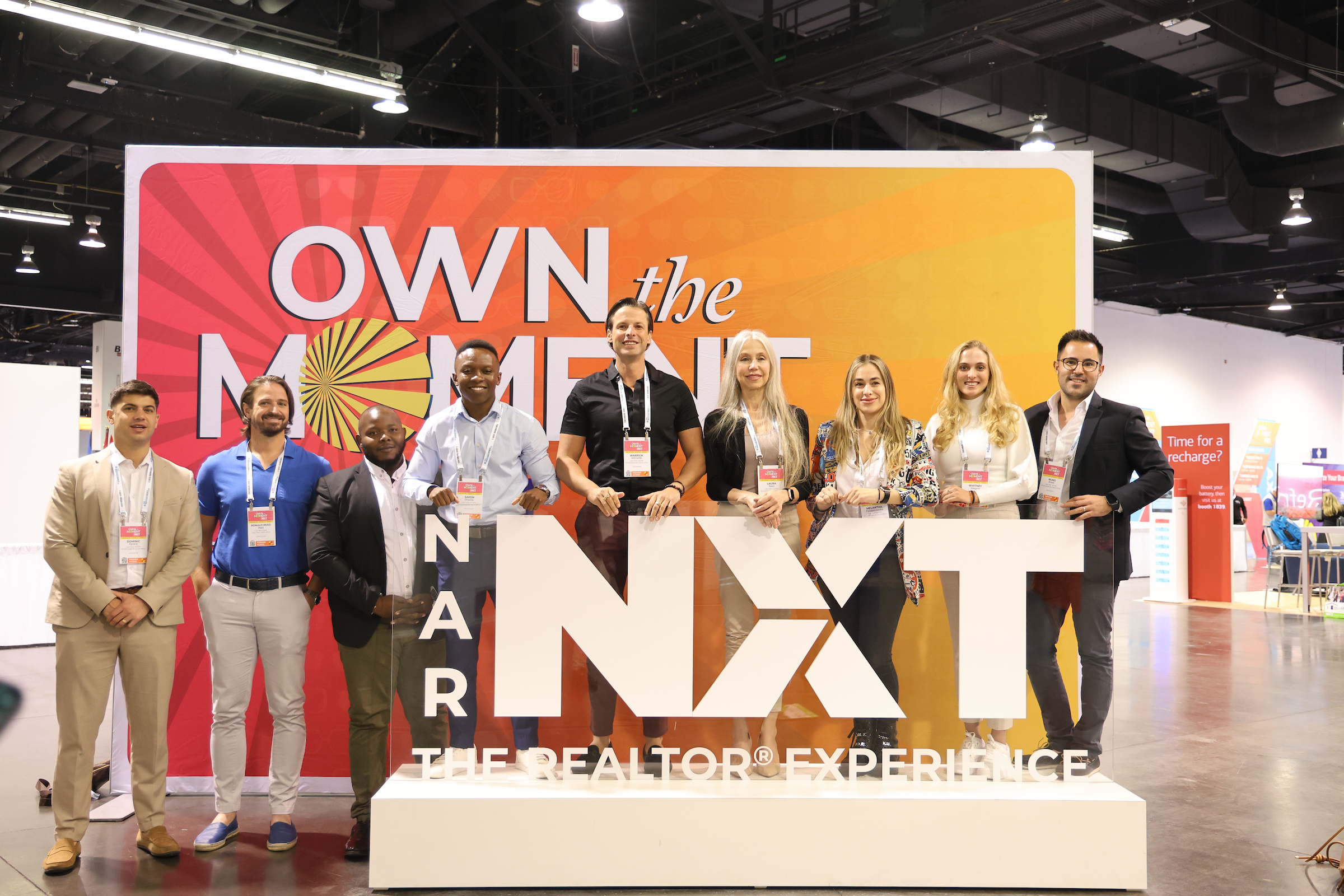

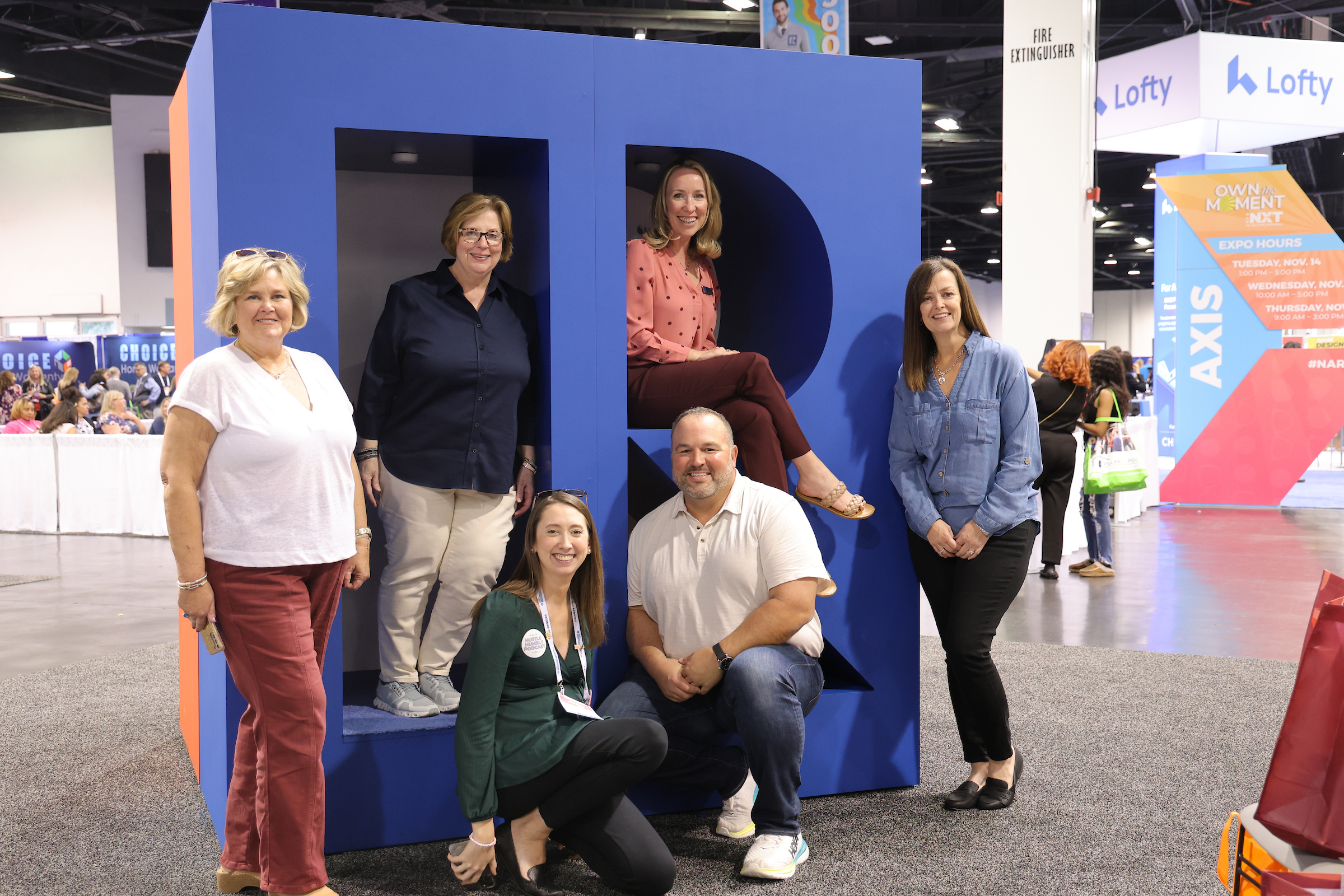
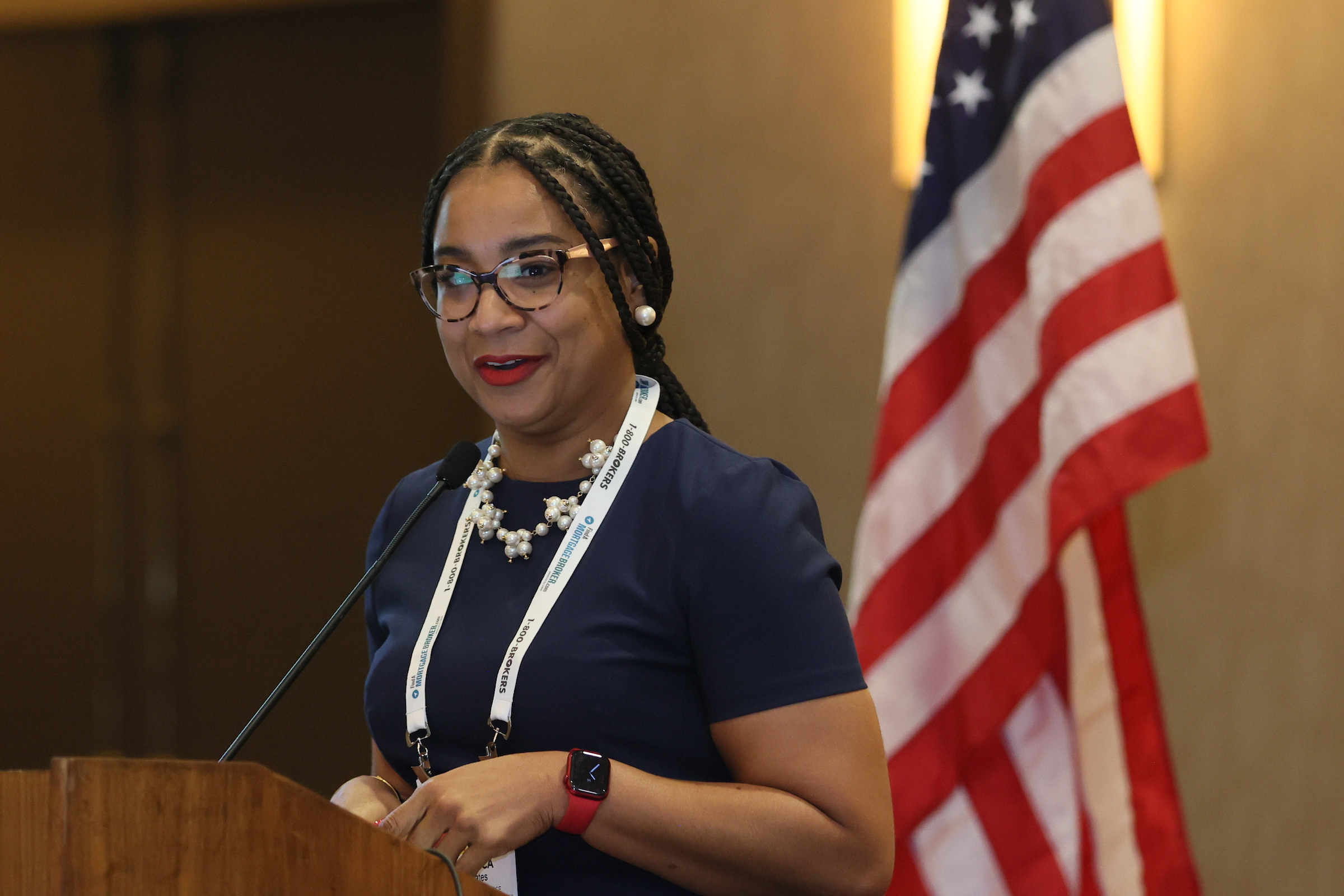
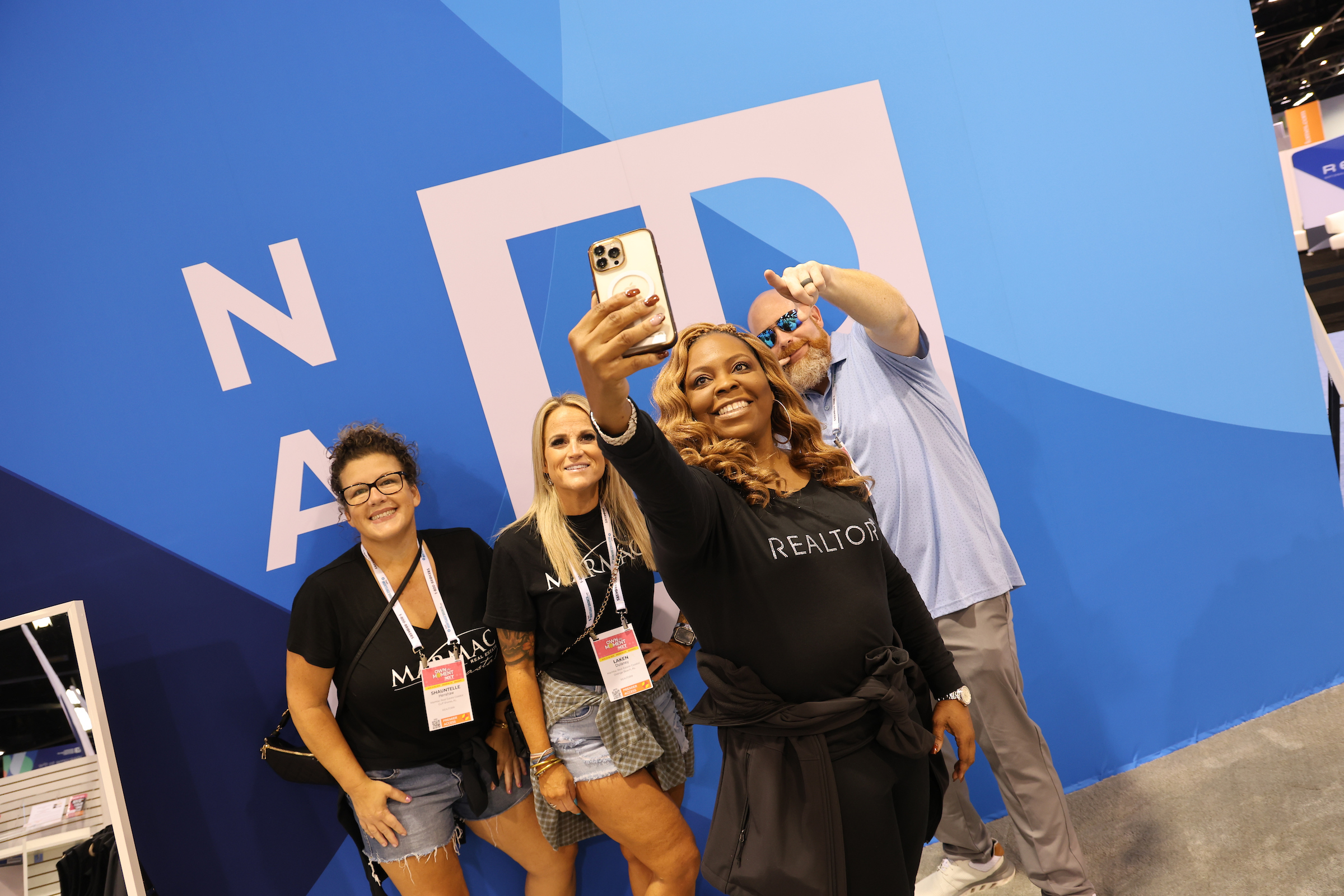

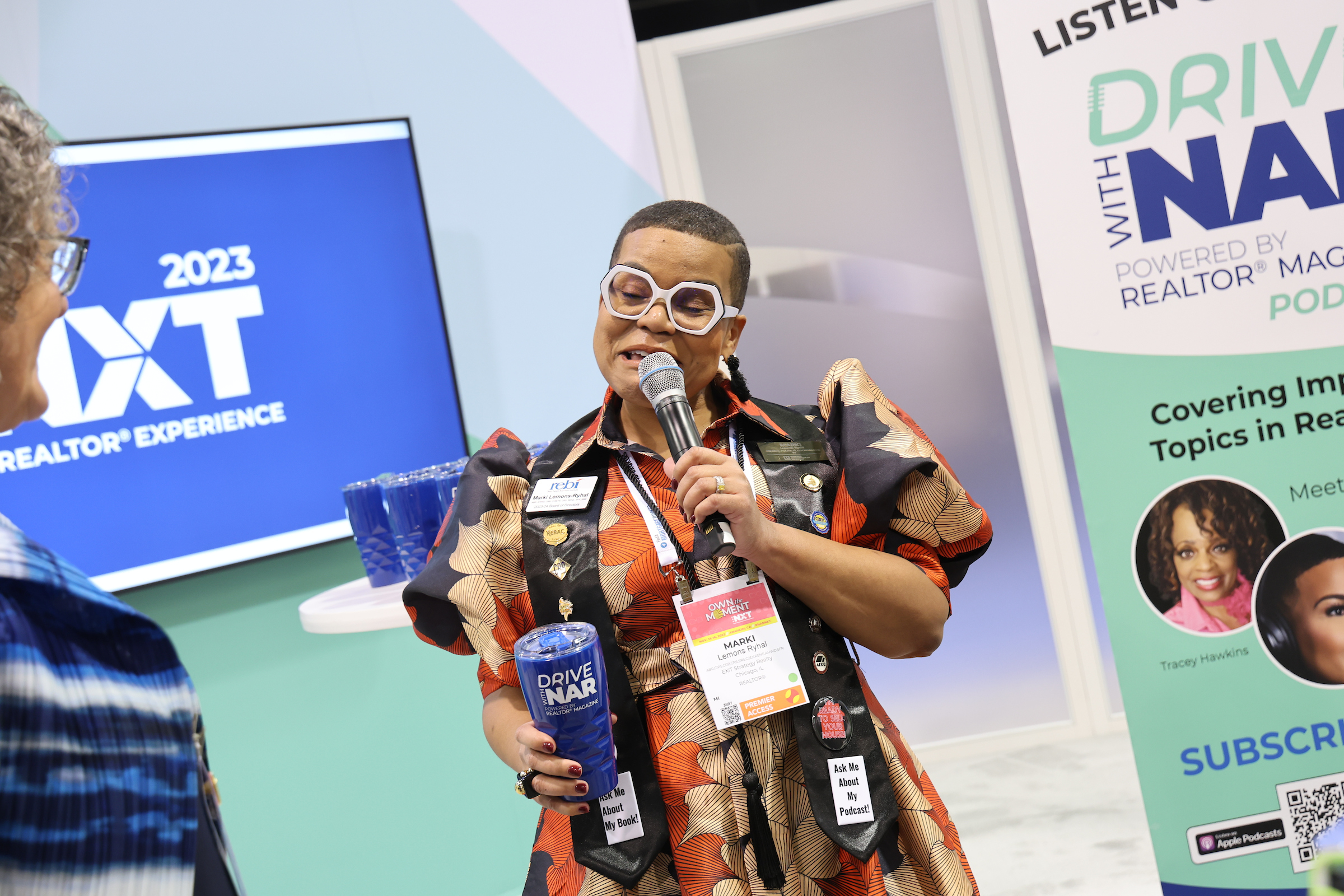


Latest News

Don’t Miss NXT UP!
NXT UP! is your destination to connect with fellow REALTORS®, colleagues, and real estate industry experts from across the country! Replay or register for sessions in this year-round webinar series!
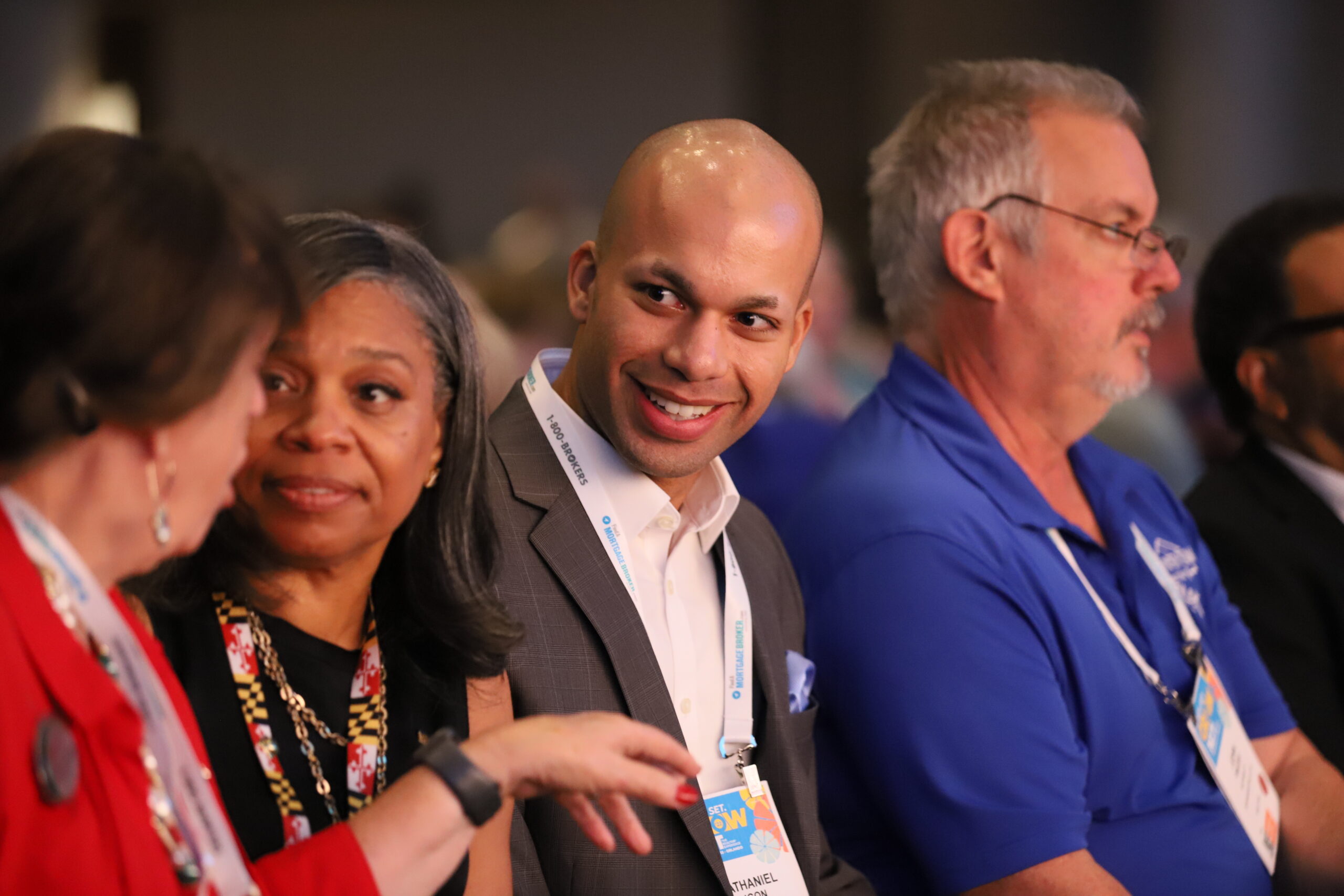
NAR Meetings & Events in 2024 & Beyond
See what NAR meetings and events are planned for next year, and beyond! View a list of upcoming meetings by year.
Access NAR NXT All Year with PlaybackNOW
Launch a year’s worth of benefits, training, knowledge, and inspiration. With over 120 sessions and 150 hours of content, turn your year-long Premier Access into the best professional decision you made all year! Get details!
View Highlights from the 2023 NAR NXT, The REALTOR® Experience
Hear attendee testimonials, view highlights from the event, and more!

ATTENDEES
INDUSTRY-LEADING EXHIBITORS
DYNAMIC SPEAKERS
More than a real estate conference, more than an expo.
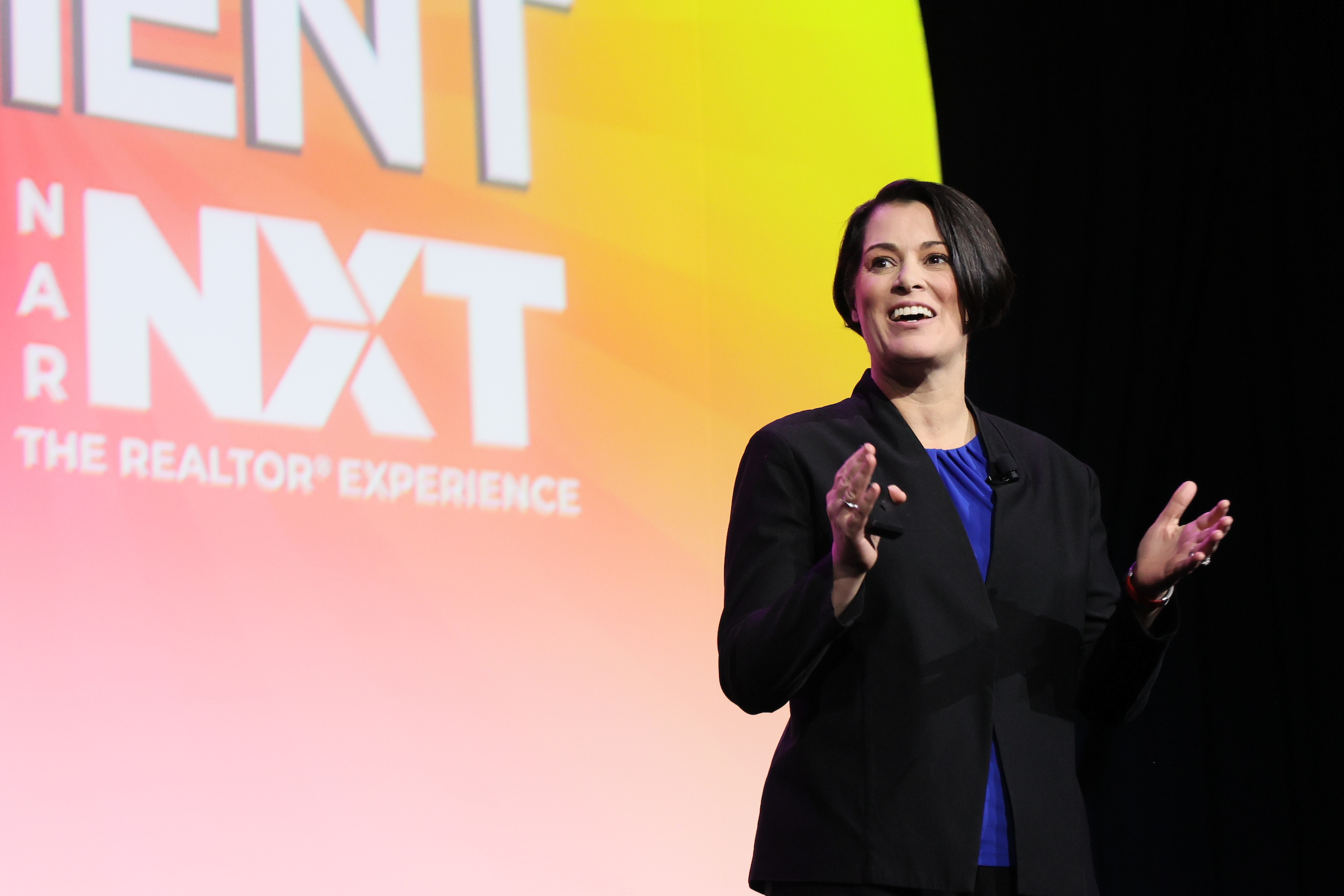
Why Attend NAR NXT?
What’s now, what’s new, what’s NXT? At NAR NXT, the innovation is in the experience. You’ll find fresh, future-focused content, rave- worthy presenters, elevated programming, facilitated networking, offsite field experiences and many other unique features that add relevance and value. Every minute of the conference is carefully curated to optimize your time and maximize your ROI.
NXT UP!
NAR NXT No Longer Starts and Ends in the Fall.
NAR continues all-year programming with NXT UP! (formerly Conference Year-Round) With hot topics in real estate, personal development, and best practices for your virtual or in-person business, you won’t want to miss this webinar series. Each session is designed to be interactive and encourage Q&A and open discussion. All sessions are free! Save the dates for this year’s NXT UP! session lineup!
NAR NXT EXPO
AXIS
Town Square
Block Party
Thanks for attending NAR NXT, see you next year!
2024 NAR NXT,
The REALTOR® Experience
November 8-10 • BOSTON, MA
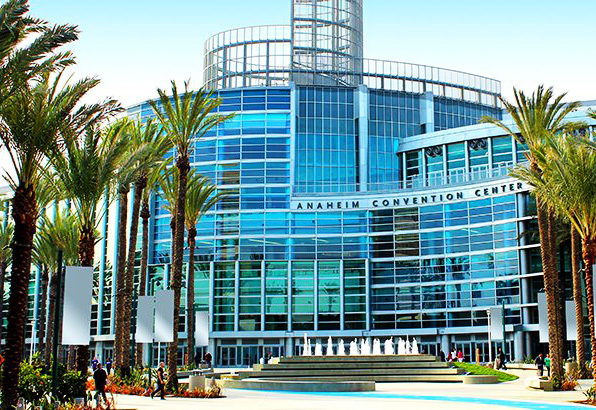
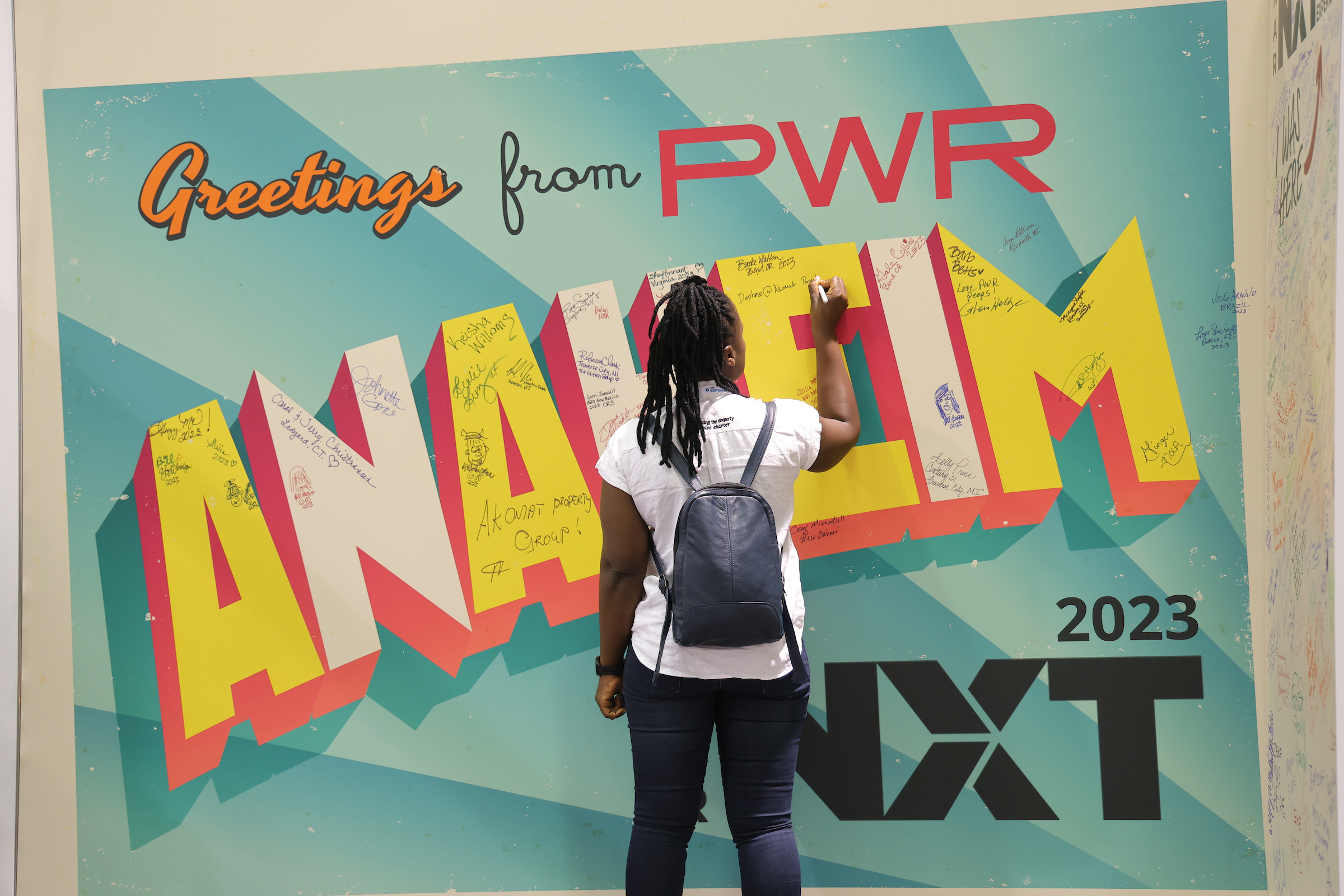
Great seeing you in
sunny California!