GET READY! The meetings kick off in:
Day(s)
:
Hour(s)
:
Minute(s)
:
Second(s)
2024 REALTORS® Legislative Meetings
WASHINGTON, DC • MAY 4–9, 2024
Advancing Issues Important to the Real Estate Profession
At the REALTORS® Legislative Meetings, thousands of members assemble in Washington, D.C., to conduct the business of NAR — advocacy work that makes us the most respected voice in real estate, protecting property ownership and advancing commercial and residential markets.
We invite you to join us in advancing and supporting real estate issues that matter in every community by continuing the critical policy conversations among REALTORS®, lawmakers, and industry leaders.
Who you’ll find at the REALTORS® Legislative Meetings
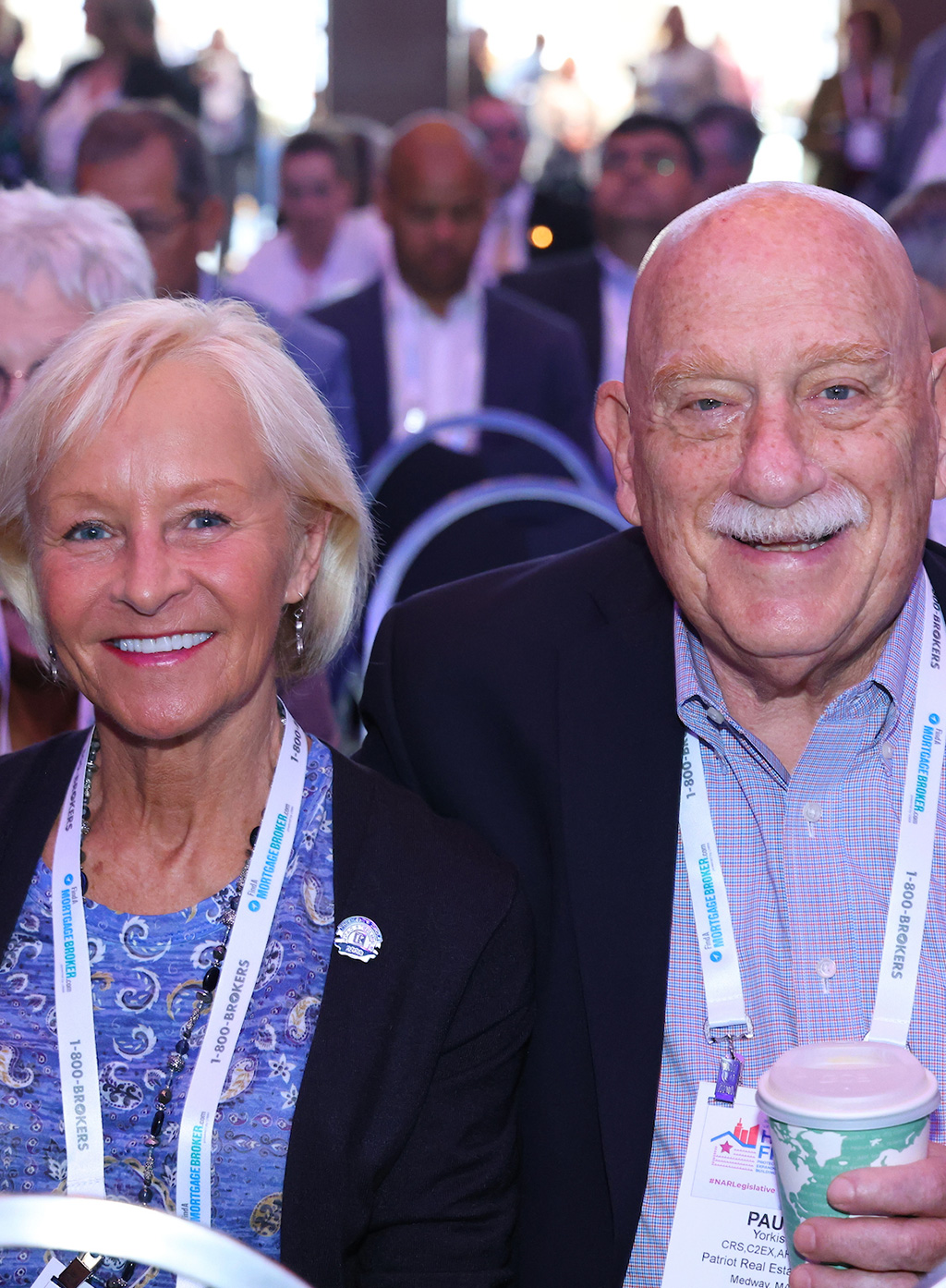
Attendees
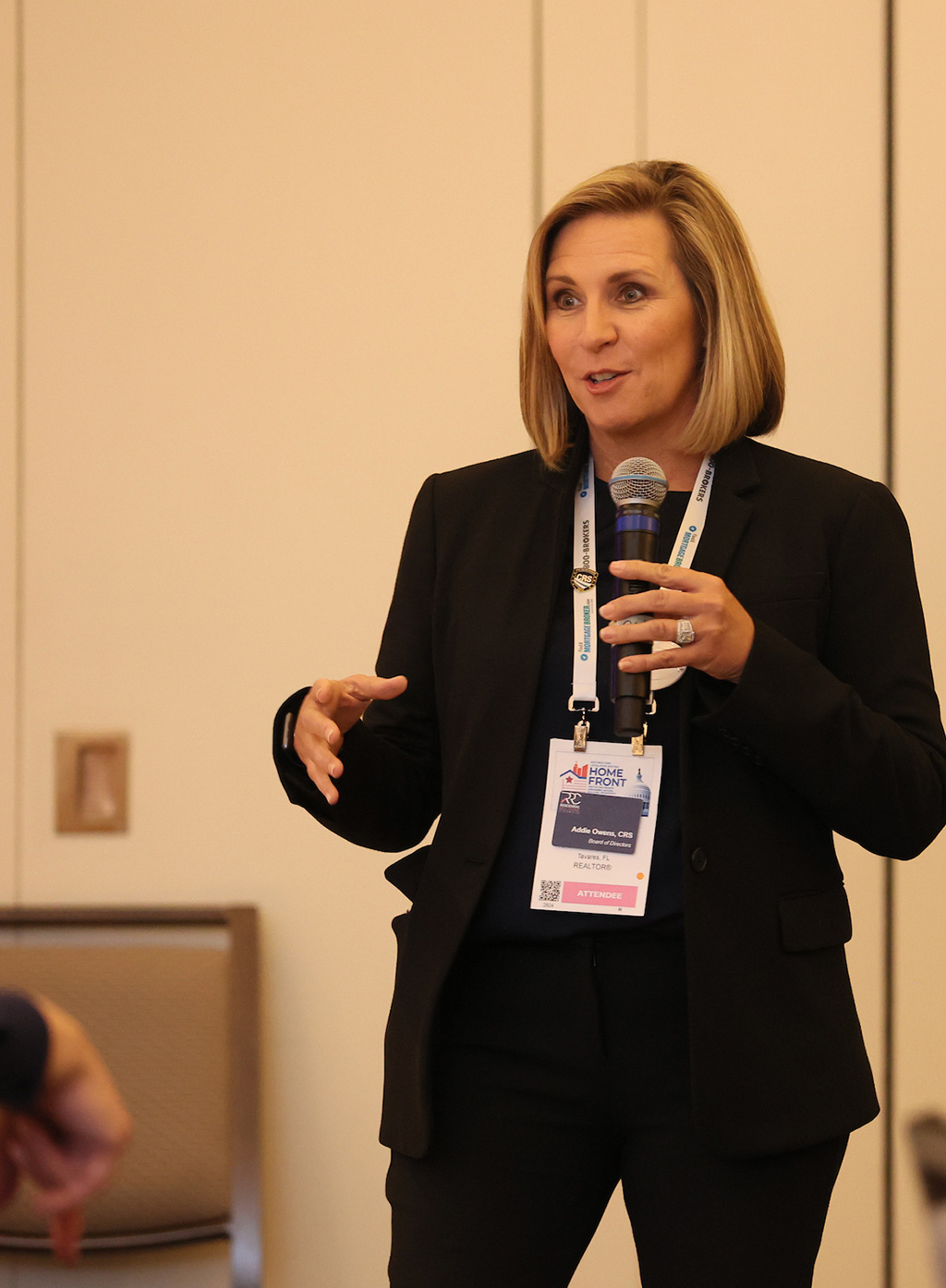
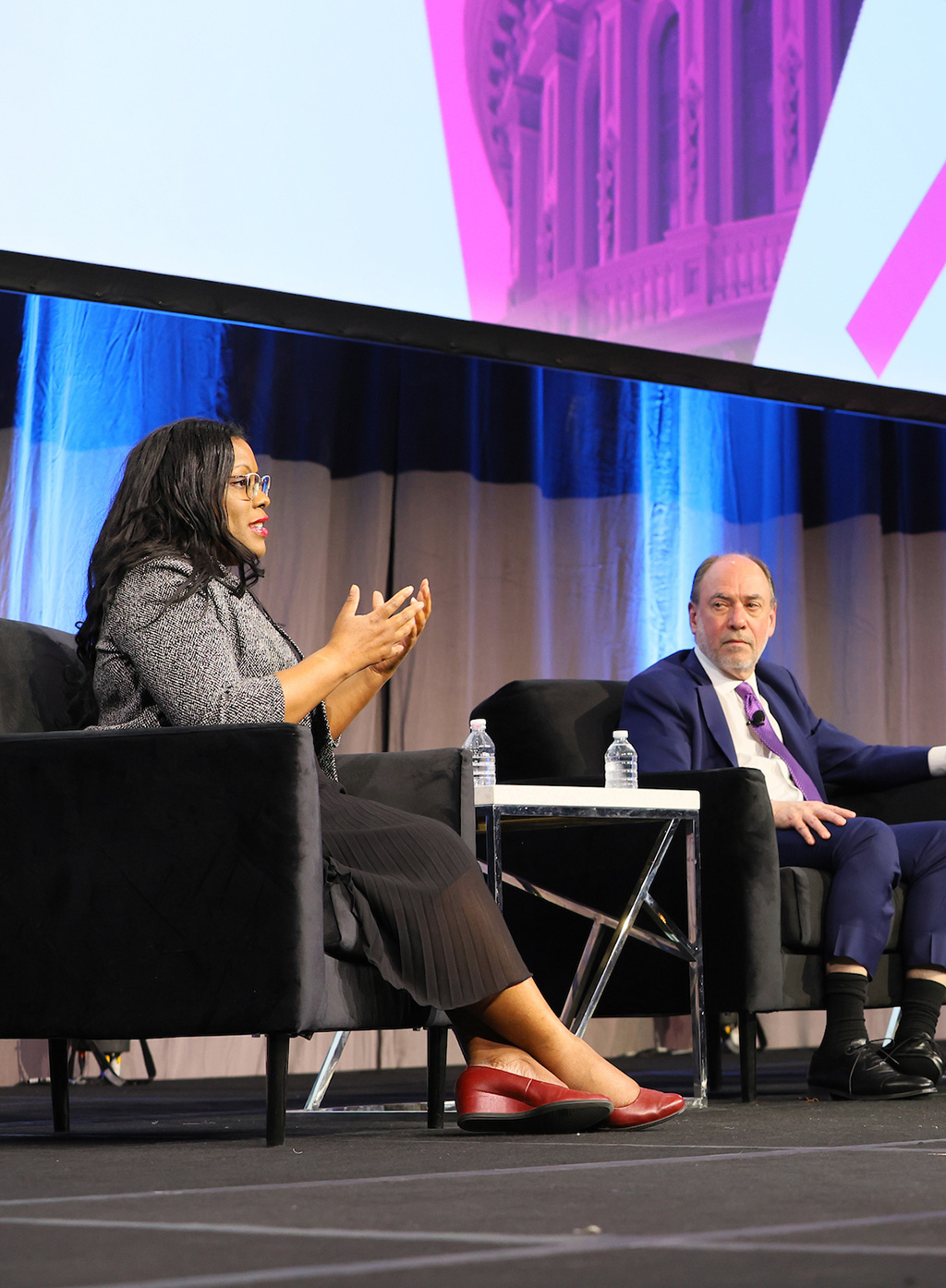
Speakers
Exhibitors
2024 Real Estate Conference Highlights
Back for 2024:
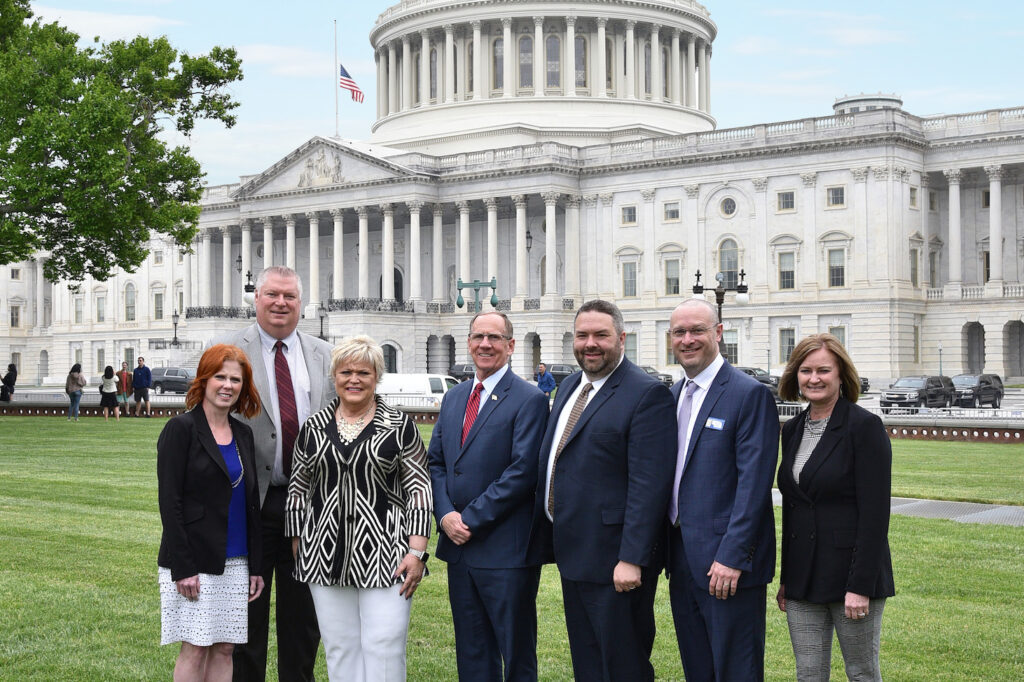
Hill Visits
At the REALTORS® Legislative Meetings, NAR members meet with Capitol Hill representatives and actively advance the real estate market through public policy.
REALTORS® work with policymakers and regulators to advocate for a pro-consumer real estate industry that is essential to advancing our national and local economies.

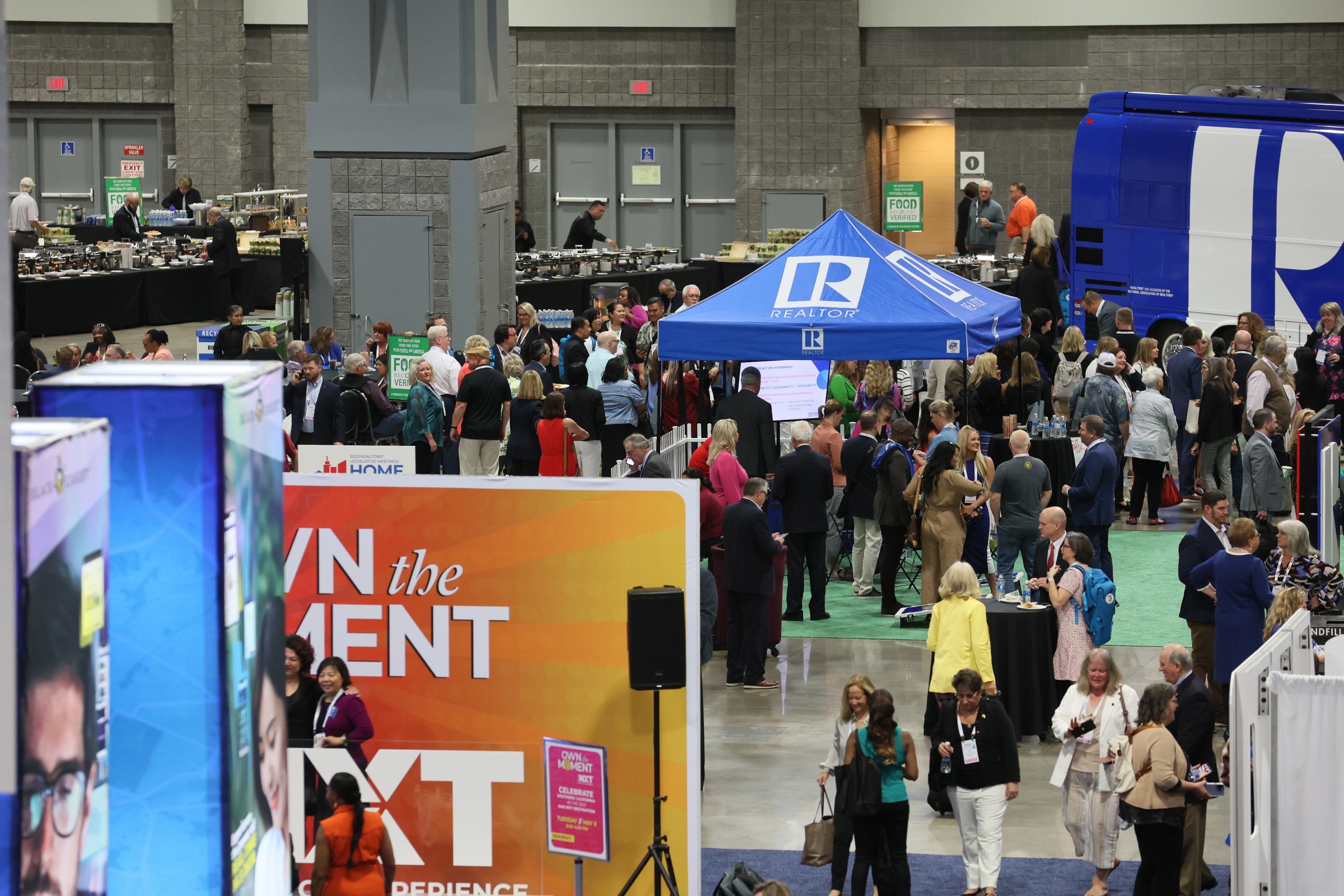
Real Estate Trade Expo
With over 100 exhibitors and many activities, real estate professionals will find products and services to propel them to the forefront of the industry.
The Expo floor includes informal networking opportunities, short information presentations, and exhibitor product demonstrations.
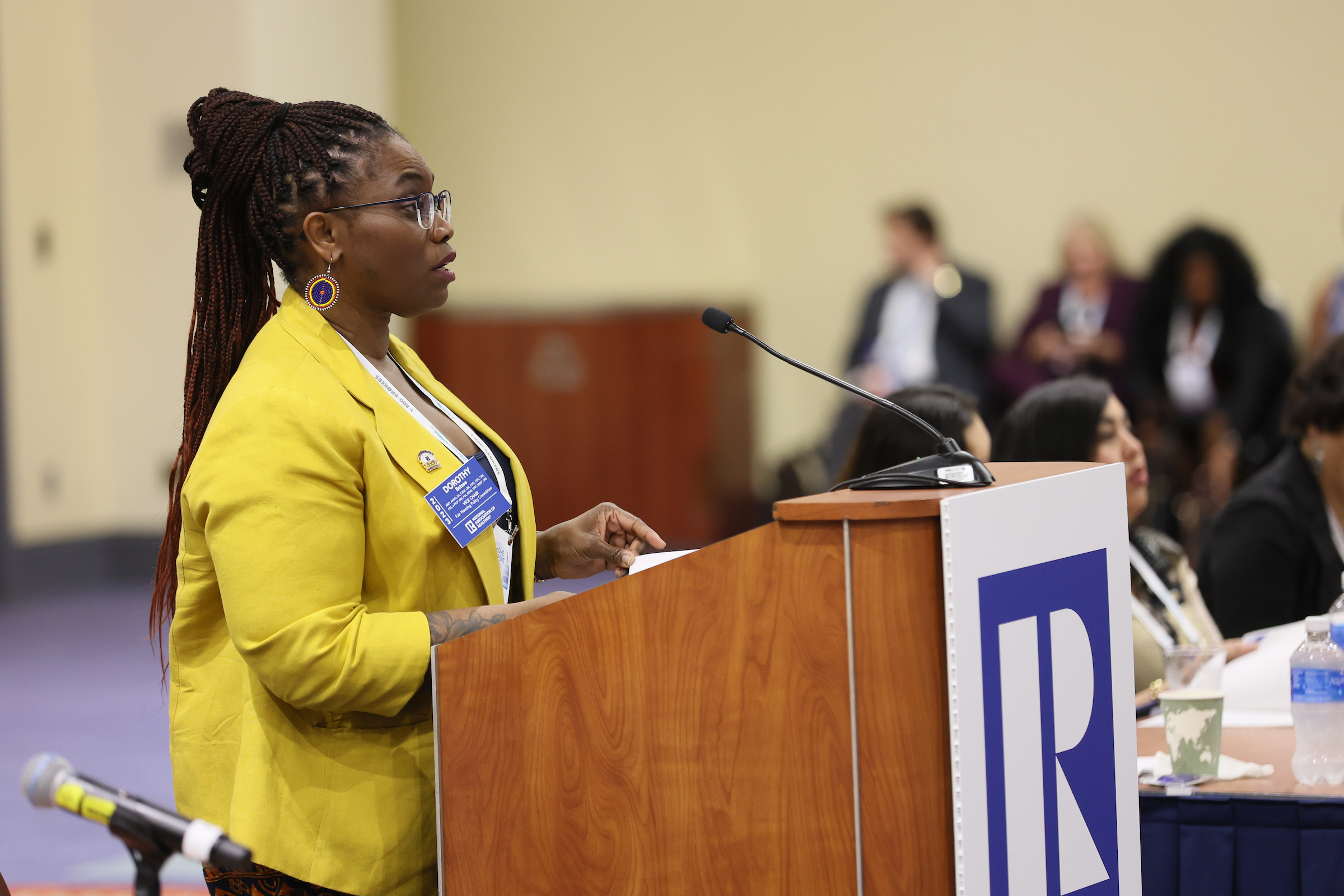
Governance Meetings
NAR leadership, member committees, liaisons, and regional leaders gather to discuss governance and set policy initiatives important to the association and the real estate industry.
Who Attends?
- Federal Political Coordinators (FPCs) and other politically active members who communicate with congressional representatives on Capitol Hill.
- All other members are invited to attend the open meetings, sessions, and forums as well as the Expo.
The event is free for members with a valid NAR Member ID.