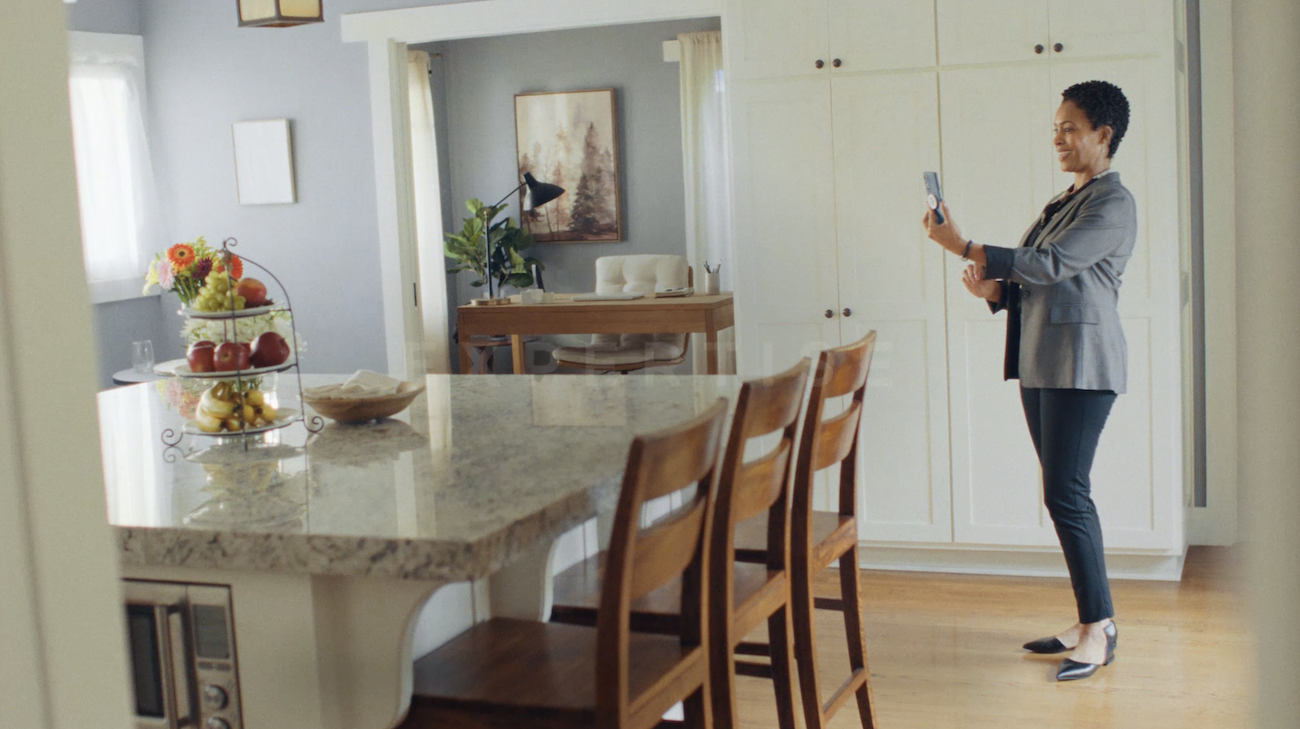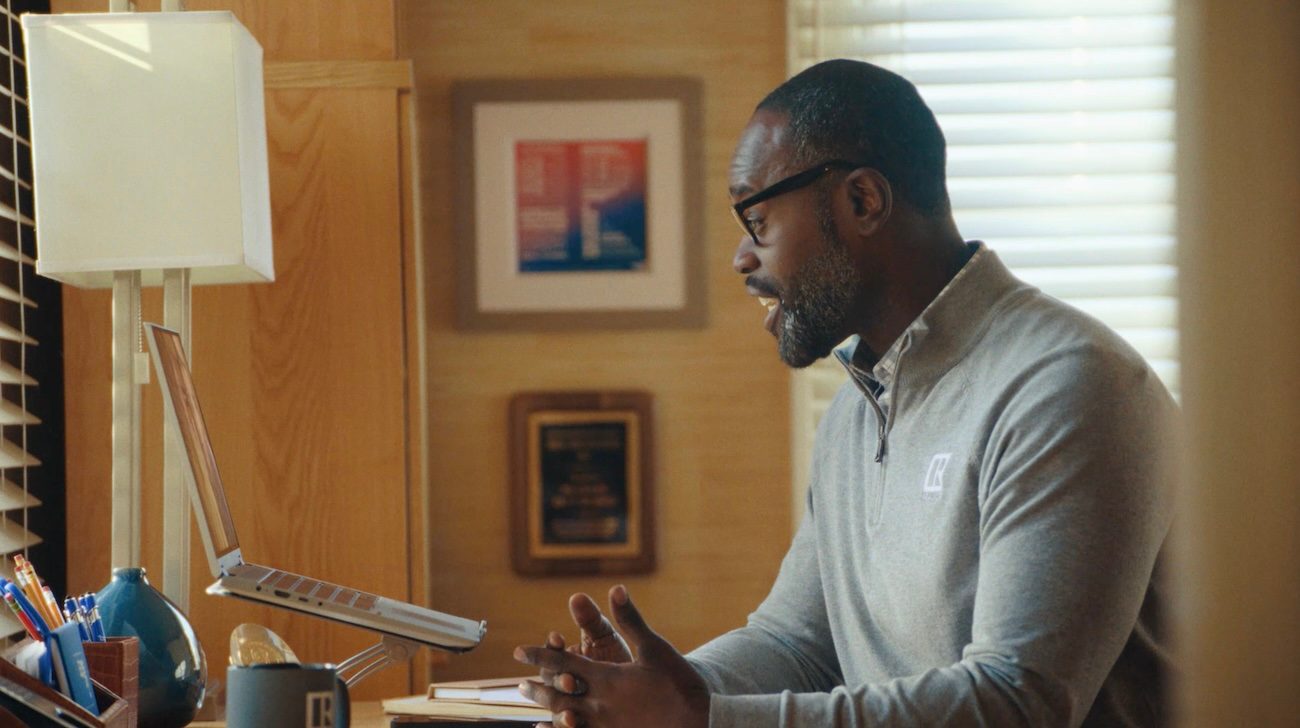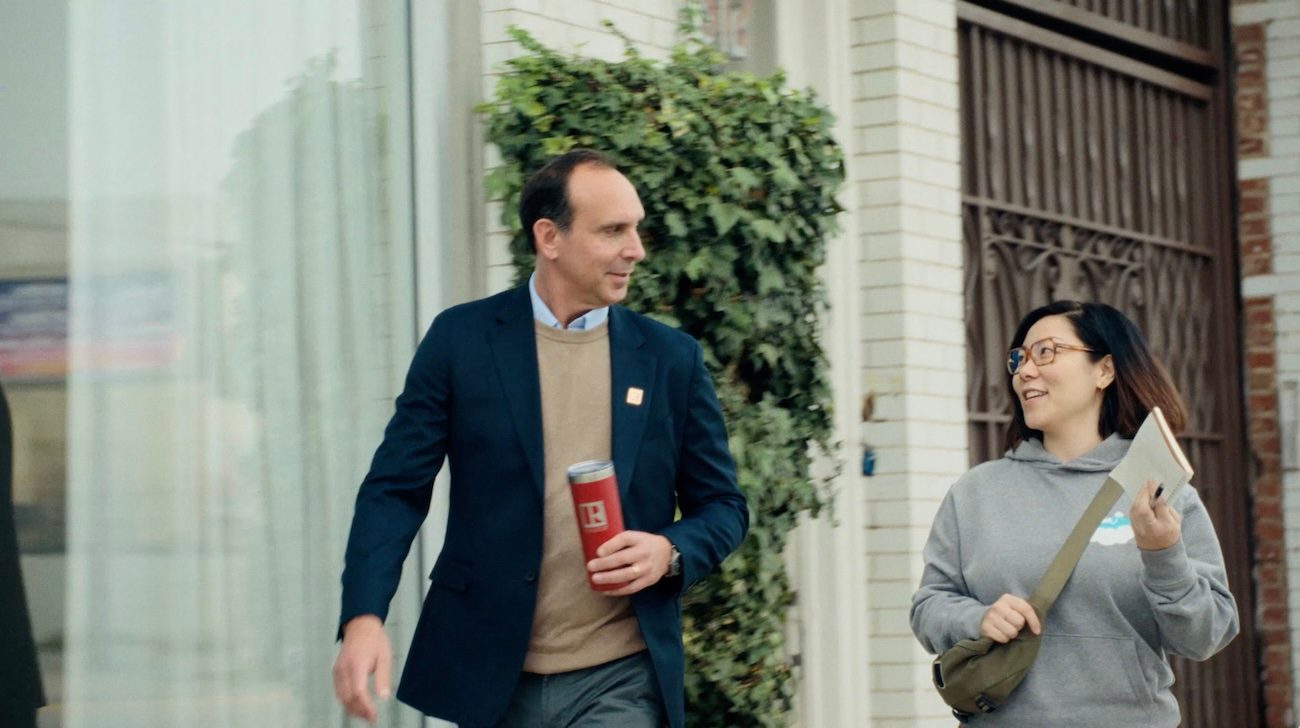








“That’s Who We R” is NAR’s national consumer advertising campaign, welcoming consumers to take a first-hand look at real estate professionals who are REALTORS®. It’s about the consumer experience, with the REALTOR® in the middle of the transaction. The campaign demonstrates the expertise of REALTORS® helping their clients navigate the risks, pitfalls, and complexities of buying or selling a home or property, reinforcing their commitment and consumer-first approach.
REALTORS® bring value, partnership, and expertise to every aspect of the property ownership journey. A fully integrated media mix of TV, radio, streaming video, digital audio, social, and search will deliver this work to our target audiences nationally.
In the coming weeks as the consumer campaign continues its roll out, members will be able to leverage campaign assets and share them. These brand-boosting assets will require member sign-in credentials.